
Documentation
- Getting Started Configuration Using CDM
- Clusters
- Fleet Configuration
- Capacity
- Metrics
- Servers, Pools and Services
- Logs
- Advisor
- Tasks and Audit
- S3 Multisite
- RBD Mirroring
- Support
Tasks and Audit
Tasks
History → Tasks lists the tasks of all clusters, including the changes started from CDM. Admins select a task and choose Output to read its log.
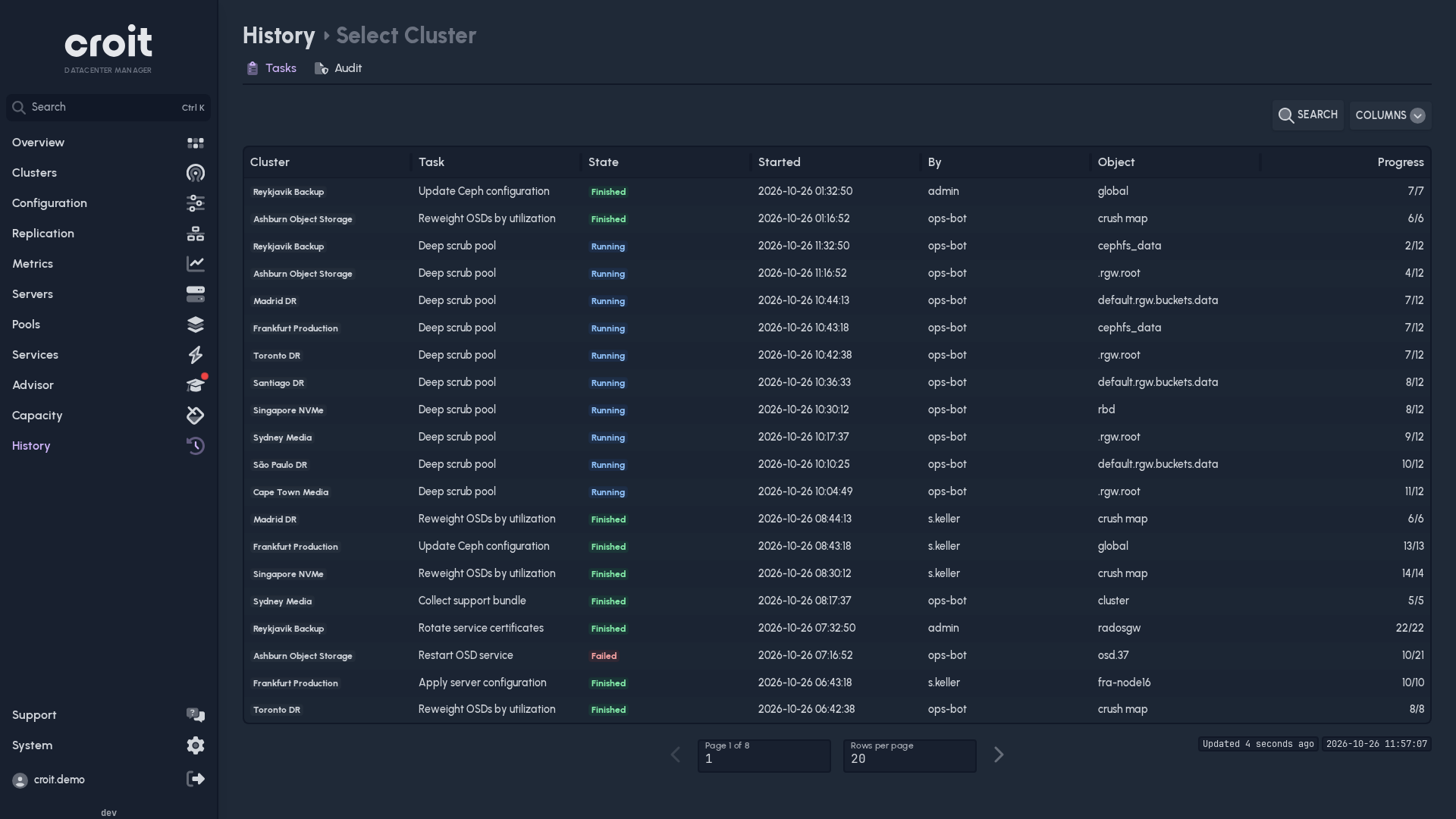
Plain Ceph clusters show only running and recently finished tasks, without output.
Audit
History → Audit, admins only, combines CDM's audit trail with that of each cluster.
The Via MCP column (hidden by default, shown through Columns) marks calls made through a cluster's MCP endpoint. A dash means the source does not report it.