
Documentation
- Getting Started Configuration Using CDM
- Clusters
- Fleet Configuration
- Capacity
- Metrics
- Servers, Pools and Services
- Logs
- Advisor
- Tasks and Audit
- S3 Multisite
- RBD Mirroring
- Support
Servers, Pools and Services
| Menu | Tables |
|---|---|
| Servers | Servers, OSDs, Disks, Logs |
| Pools | Pools |
| Services | Services and gateways, HA groups |
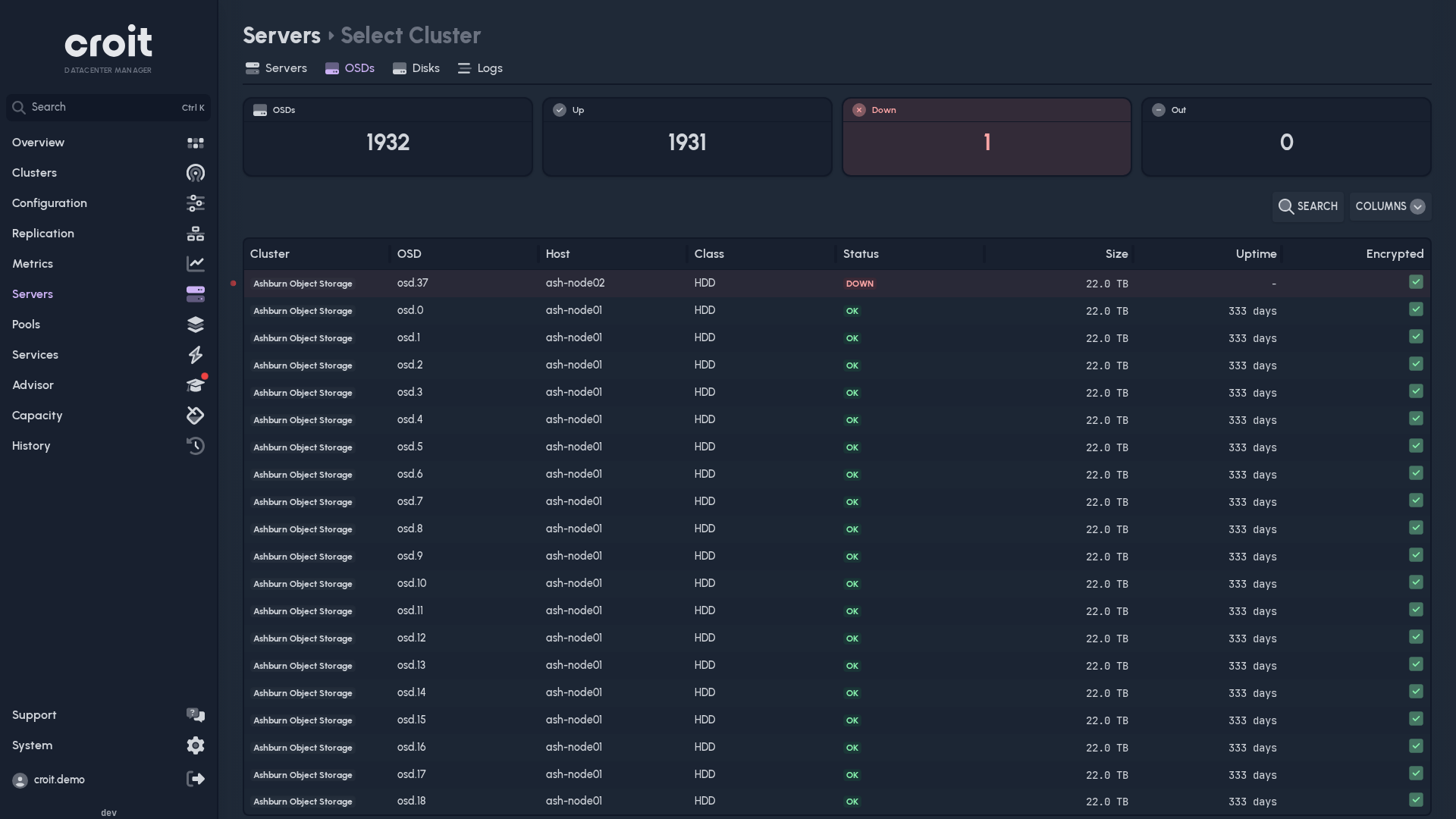
Select rows and choose Logs to open their logs.
Actions
Admins can act on the selected rows as in croit's own interface, for example restart services or reboot servers. On a cluster's page, Ceph Health mutes and unmutes health checks.
- Each action asks first, as croit does, and runs as a task you can follow in History → Tasks.
- With several rows selected, a restart or reboot can run Rolling, one after another, or Simultaneous.
- If the cluster warns before it acts, for example because placement groups would become inactive, CDM shows the warning and waits for your answer.
- Replacing and wiping disks stay in croit's own interface.
Actions need write access. Where an action is not available, it is disabled and says why. Viewers see no actions.